
Commission plans
A commission plan decides what a sales person earns on the sales credited to them. Plans are set up under User Management → Commissions; earnings are tracked in the Commission report.
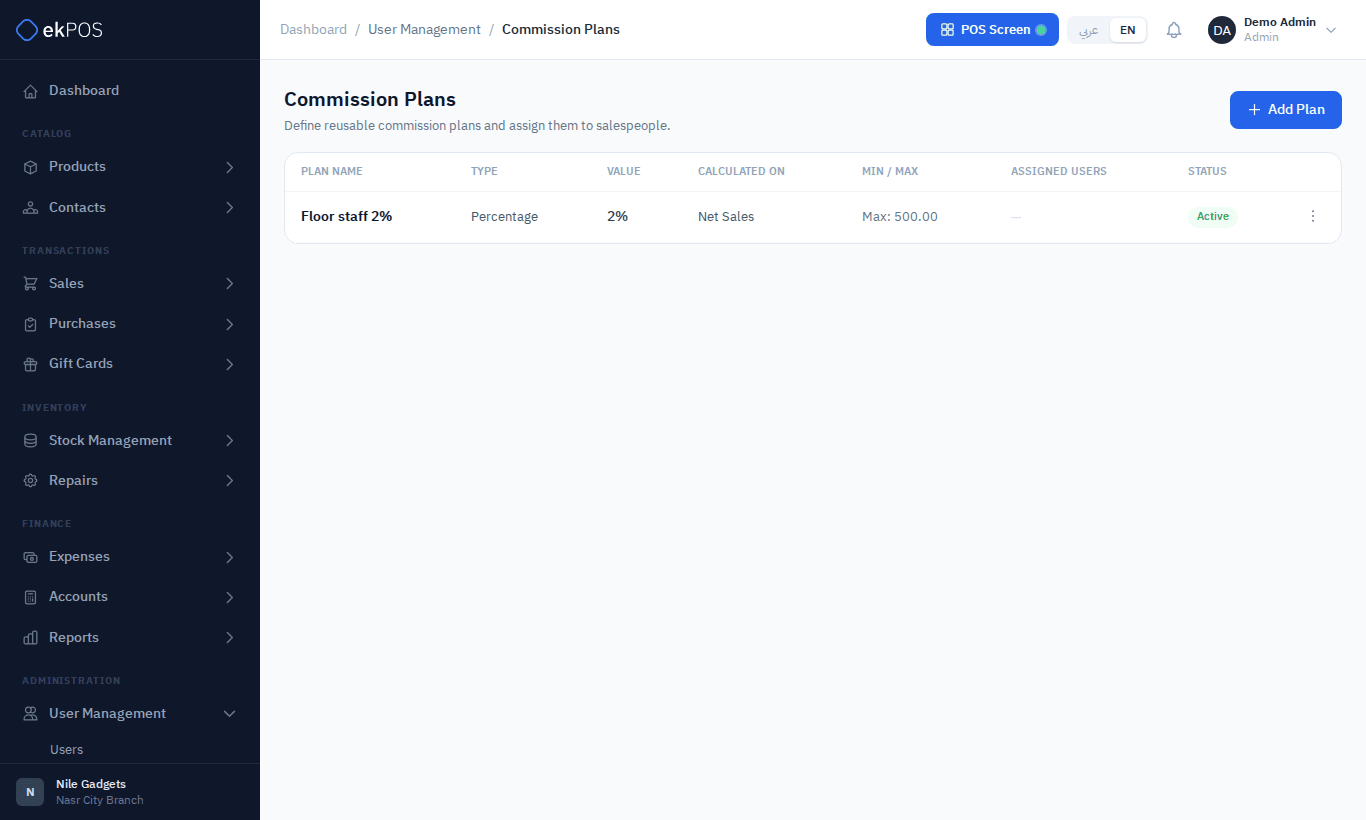
Create a plan
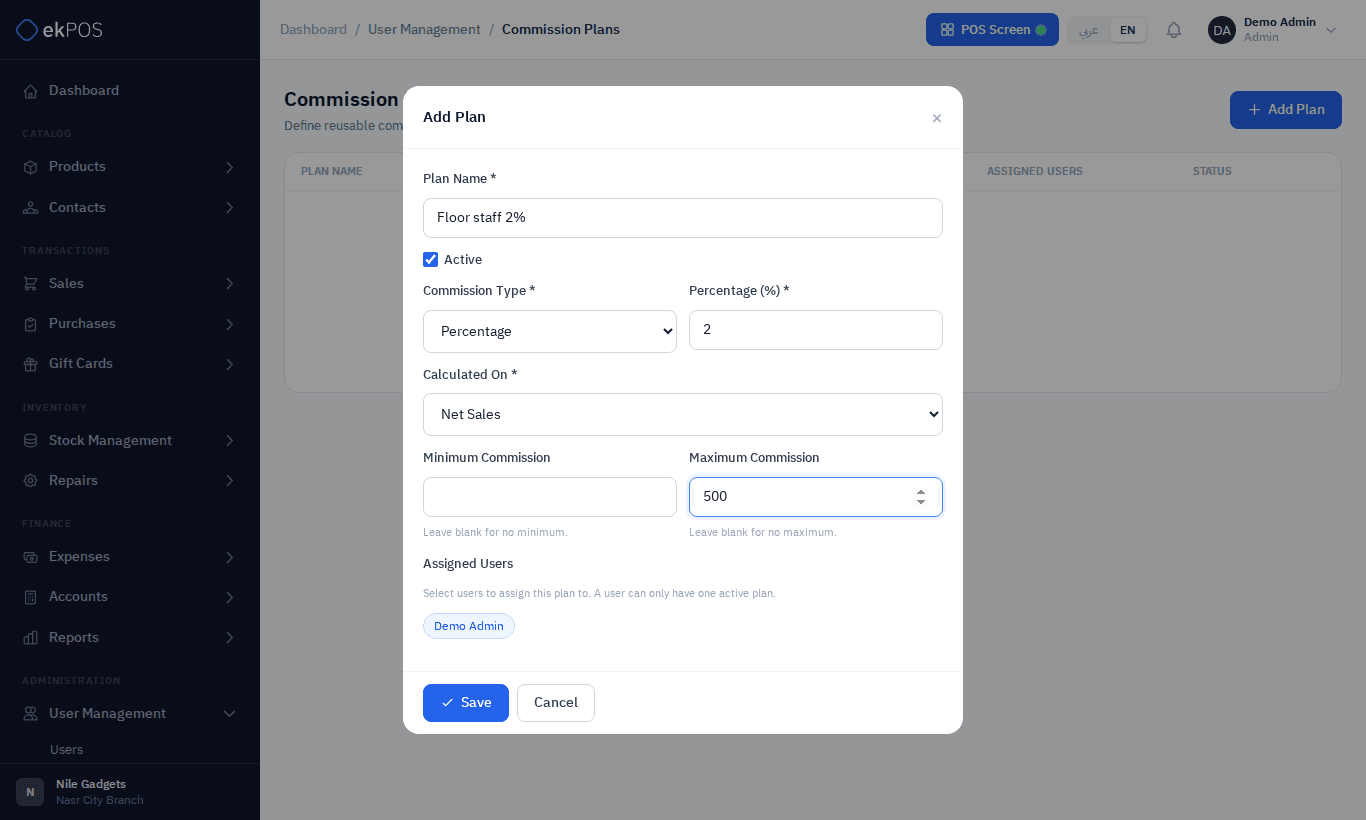
- Click Add Plan.
- Enter a Plan Name and keep Active ticked.
- Choose the Commission Type: a Percentage of the sale, or a Fixed amount per sale.
- For a percentage, choose what it is Calculated On:
- Net Sales — the sale's total after discounts;
- Gross Sales — the sale's line totals, before the invoice discount;
- Gross Profit — the sale's total less the products' current cost.
- Optionally set a Minimum and Maximum commission per sale.
- Under Assigned Users, click the users on this plan. A user can have only one plan.
- Save.
You can also choose a user's plan on their user form.
How commission is earned
Commission is recorded for a final sale with a Sales Person who is on an active plan, whether it was rung up at the POS or saved on Add Sale. Drafts, quotations and proforma invoices earn nothing until they are made final. Commission is calculated from the sale and kept even if the plan changes later.
When the sale changes, so does its commission:
| What happens | Commission |
|---|---|
| The sale is edited | Recalculated. If it was Approved and the amount changes, it goes back to Pending to be approved again. |
| Part of the sale is returned | Reduced in proportion to the value returned. A full return cancels it. Deleting the return gives it back. |
| The sale is deleted | Cancelled. |
A commission that has already been Paid is never changed. Any difference afterwards — from an edit or a return — is added as a separate Adjustment line, pending approval like any other, and negative when commission is taken back. It is settled with the sales person's next payout.
Approving and paying
In the Commission report, each commission moves from Pending to Approved to Paid, one at a time or in bulk.
Who can do this
Managing plans needs Commissions → Manage.