
User Guide / Reports
Activity log
Reports → Activity Log records who did what, and when: sign-ins, and creating, changing and deleting records across ekPOS.
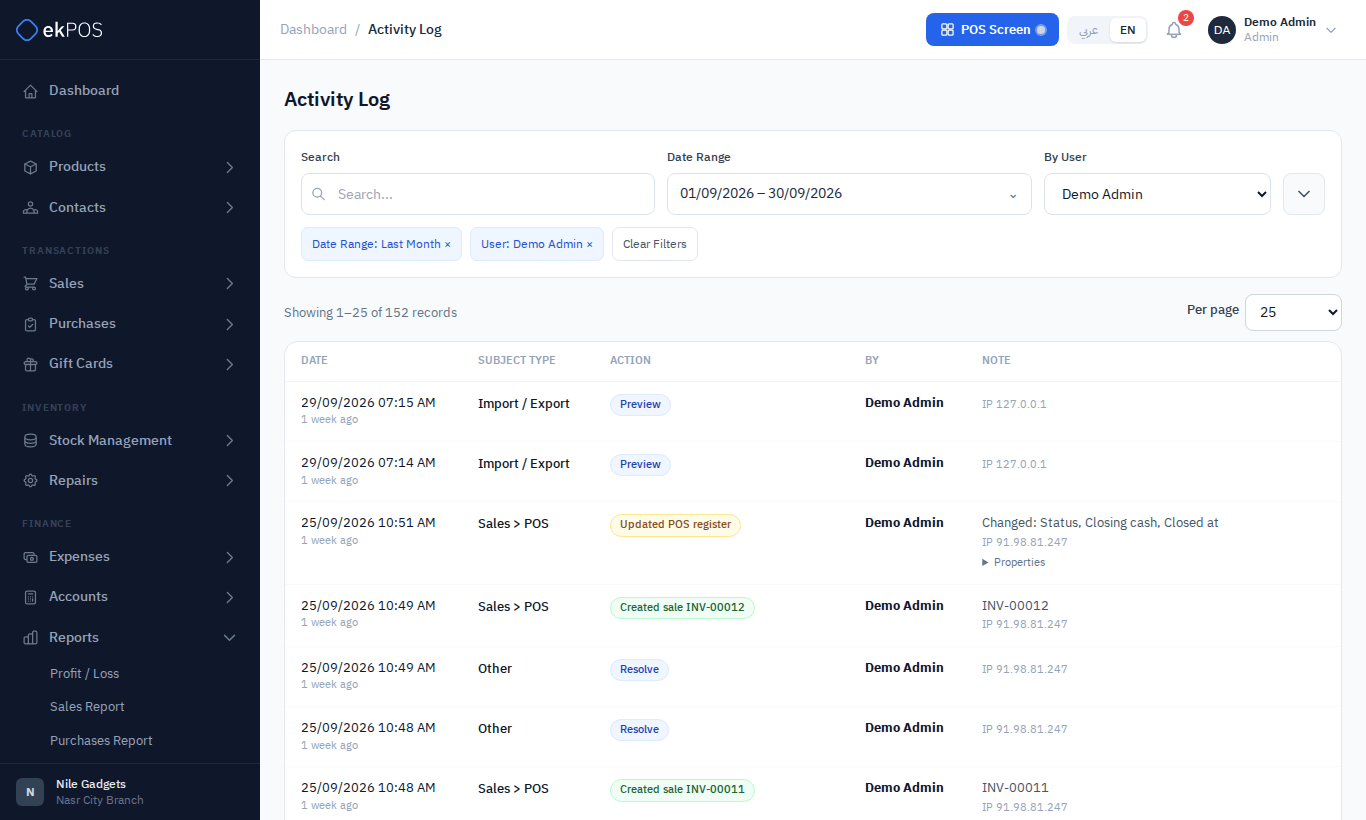
Filter by user, area (Products, Sales, Purchases, Stock, Expenses, Settings, Sign In and so on), log type and date range.
Each entry shows the date and time, the area, what happened (for example Updated expense EXP-00001), who did it, and notes: the record's reference, which fields changed, and the IP address it came from. Click Properties to see the values before and after a change.
Work done by ekPOS's own support staff while signed in to your account appears here too, and account admins are notified when that access starts.
Opening the log needs Reports → View.