
User Guide / Sales
Shipments
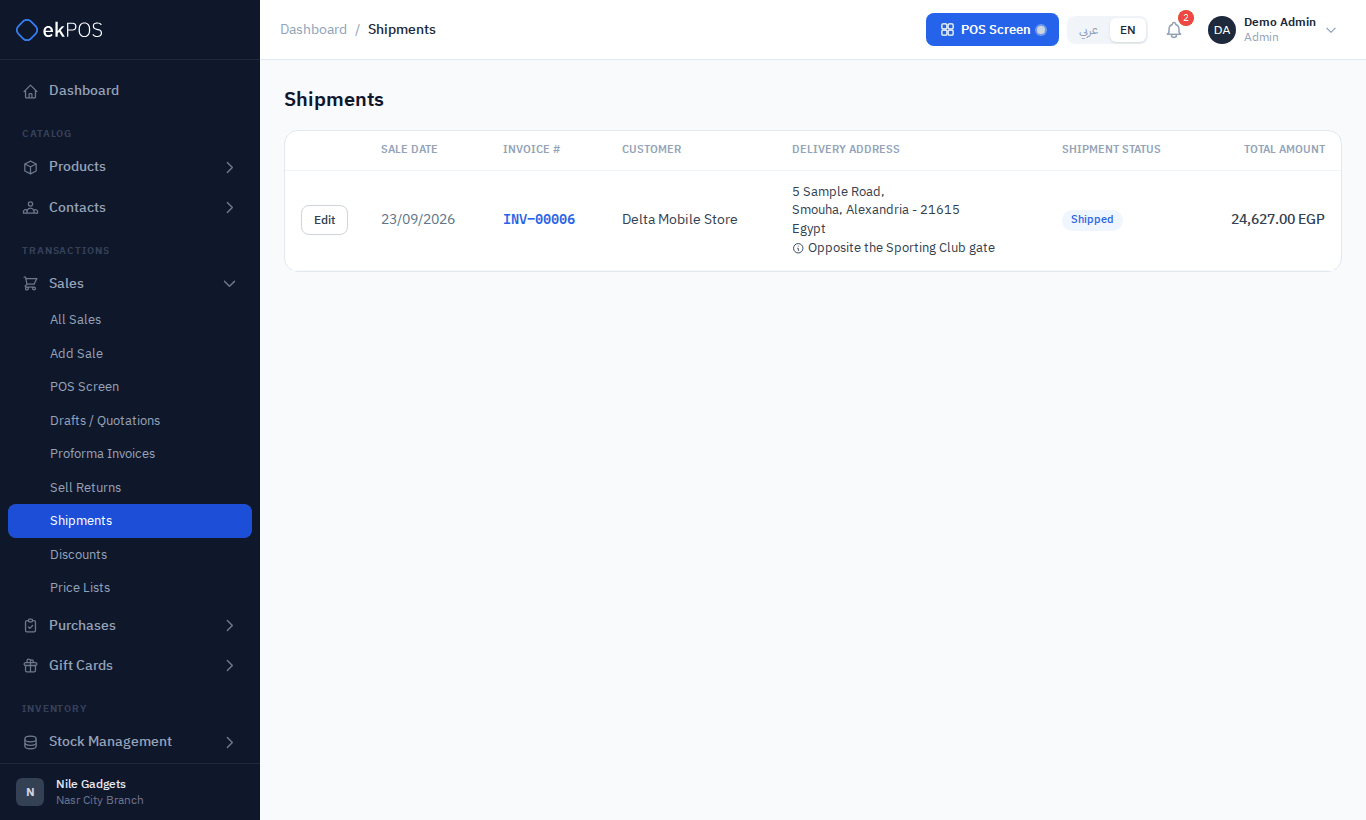
Sales that are delivered rather than handed over carry a shipment status. Sales → Shipments lists every sale with one, so you can see what still has to go out.
Shipment statuses
Ordered → Packed → Shipped → Delivered, or Returned if the customer sent it back.
A sale appears on this page as soon as it has any shipment status. Each row shows where it is going — the sale's delivery address — alongside the customer and status. Search by invoice number or customer, and filter by status.
Set or change the status
- When creating the sale: the Shipping button on the POS or Shipping Details on Add Sale.
- Afterwards: ⋮ → Edit Shipping on the sale in All Sales, which also lets you change the delivery address and shipping cost.
- From this page: Edit on a row opens the same Edit Shipping form.
For WooCommerce orders, changing the status here updates the order in your online store as well.
Who can do this
Viewing the page needs Shipments → View; changing shipping details needs Shipments → Manage.