
User Guide / Setting up your business
Tax rates
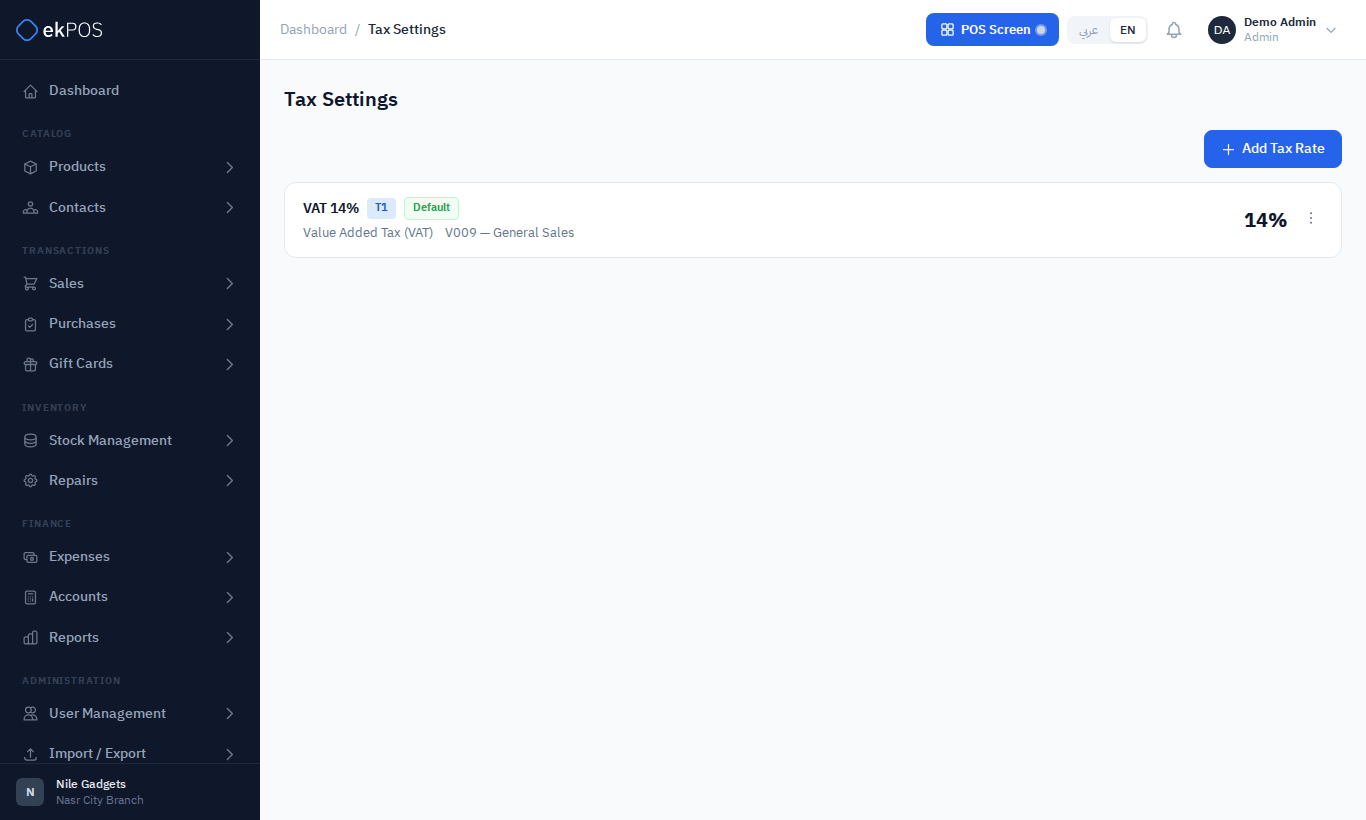
Tax rates are the taxes you can attach to products — VAT, table tax, stamp duty and so on. Each rate can carry its ETA tax category so that e-invoices report it correctly.
Open Settings → Tax Settings.
Before you start
A new account has no tax rates. Until you add one, products have nothing to choose from in their tax pickers and every price is untaxed.
Add a tax rate
- Go to Settings → Tax Settings and click Add Tax Rate.
- Fill in the form and click Save.
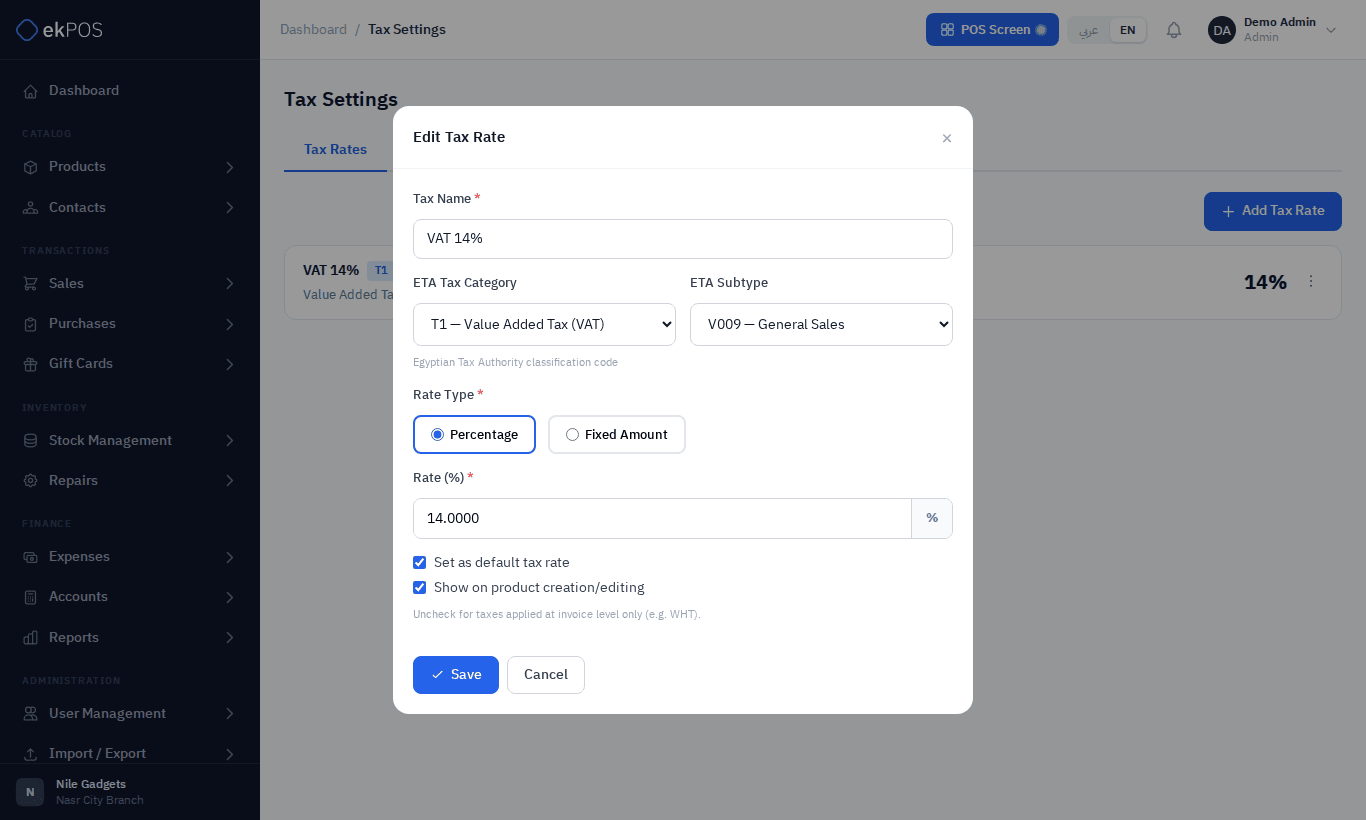
| Field | Description | Required |
|---|---|---|
| Tax Name | What staff and documents see, e.g. VAT 14%. Each rate needs its own name: the product import picks a product's taxes by name. A deleted rate's name can be used again. | Yes |
| ETA Tax Category | The ETA classification, T1 to T20 (T1 is VAT). Only shown when the ETA integration is part of your plan. | No |
| ETA Subtype | The ETA code within that category, e.g. V009 — General Sales for standard VAT. The list depends on the category you picked. | No |
| Rate Type | Percentage of the price, or a Fixed Amount per unit. | Yes |
| Rate (%) / Amount | The percentage (0–100) or the fixed amount. | Yes |
| Set as default tax rate | Marks the rate as your default. | No |
| Show on product creation/editing | Ticked: the rate appears in the product tax pickers. Unticked: the rate is an invoice-level tax instead, such as withholding tax, offered on the Add Sale form for the whole invoice rather than on products. | No |
NoteETA categories T3 (table tax, fixed) and T6 (stamping tax, amount) are always fixed-amount taxes. If you choose one of them, ekPOS saves the rate as a fixed amount even if you picked Percentage.
How rates are applied
Tax is set per product, not per sale:
- On each product you choose one or more rates for the purchase price and for the selling price, and whether that price is exclusive (tax added on top) or inclusive (tax already in the price). See Pricing and tax.
- Choosing several rates on one product follows ETA's order of calculation. Table tax (T2) is charged on the price plus any taxable fees (T5–T12) and fixed table tax (T3), and VAT (T1) is charged on all of that plus the table tax. So 14% VAT with 5% table tax comes to 14% × 1.05 = 14.7% of the price, not 14%. Rates with no ETA category, and every other category, are simply added together; fixed amounts are added per unit.
Edit, deactivate or delete a rate
Use the ⋮ menu on the rate:
- Edit changes the rate. Products that use it pick up the new figure the next time they are sold or bought. Sales already saved keep the tax they were saved with.
- Deactivate / Activate — marks the rate Inactive in this list. It does not stop the tax being charged: products that already use it keep charging it, and it can still be chosen on products. To stop charging a tax, remove it from the products that use it.
- Delete removes the rate.
Who can do this
Tax Rates → View / Create / Edit / Delete.